Modern Web Image Formats in 2026: The Technical Evolution of WebP, AVIF, PNG, and JPEG
Introduction: The Balance Between Visual Fidelity and Web Performance
Images account for more than 60% of total bandwidth across the modern web. With Google placing Core Web Vitals (such as Largest Contentful Paint - LCP) at the heart of search rankings, mastering image compression without sacrificing visual clarity has become a critical skill for developers and creators alike.
From battle-tested formats like JPEG and PNG to WebP and next-gen AVIF, how should you choose the right format for your creative workflow? This guide delivers a comprehensive breakdown of algorithms, bit-depth, transparency, and practical deployment.
1. Comparative Technical Matrix
| Format | Compression | Alpha Transparency | Animation | Bit Depth | Typical Size Savings vs JPEG |
| :--- | :--- | :--- | :--- | :--- | :--- |
| JPEG | Lossy | No | No | 8-bit | Baseline (0%) |
| PNG | Lossless | Yes (8-bit Alpha) | No | Up to 48-bit | Typically 2x - 4x larger than JPEG |
| WebP | Lossy & Lossless | Yes | Yes | 8-bit | 25% - 35% smaller than JPEG |
| AVIF | Based on AV1 | Yes | Yes | 8/10/12-bit (HDR) | ~50% smaller than JPEG, 20% smaller than WebP |
2. Deep Dive Into the Four Key Formats
#### 1. JPEG (Joint Photographic Experts Group)
* Strengths: Universal legacy device support, virtually zero decoding overhead.
* Weaknesses: No transparency support; exhibits blocky compression artifacts at lower bitrates; poor with sharp edges or text.
* Best Fit: Fallback format for outdated systems or archival storage.
#### 2. PNG (Portable Network Graphics)
* Strengths: 100% lossless, pixel-perfect rendering with smooth 256-level alpha transparency.
* Weaknesses: Huge file sizes when handling rich photographic details or continuous color gradients.
* Best Fit: Logos, interface screenshots, vector-annotated graphics, and badges exported with transparent shadows.
#### 3. WebP (The Current Web Workhorse)
* Strengths: Outstanding balance of small file size and high fidelity. Universally supported across Chrome, Safari, Firefox, and Edge.
* Best Fit: Standard choice for social media graphics, eCommerce image grids, and collage galleries.
#### 4. AVIF (AV1 Image File Format)
* Strengths: Derived from the modern AV1 video codec. Retains smooth gradients without banding even at aggressive compression levels; native 10/12-bit HDR support.
* Weaknesses: Higher CPU encoding costs during generation; limited native support in legacy desktop viewers.
* Best Fit: High-traffic landing pages, hero banners, and bandwidth-critical web applications.
3. Practical Decision Flowchart for Creators
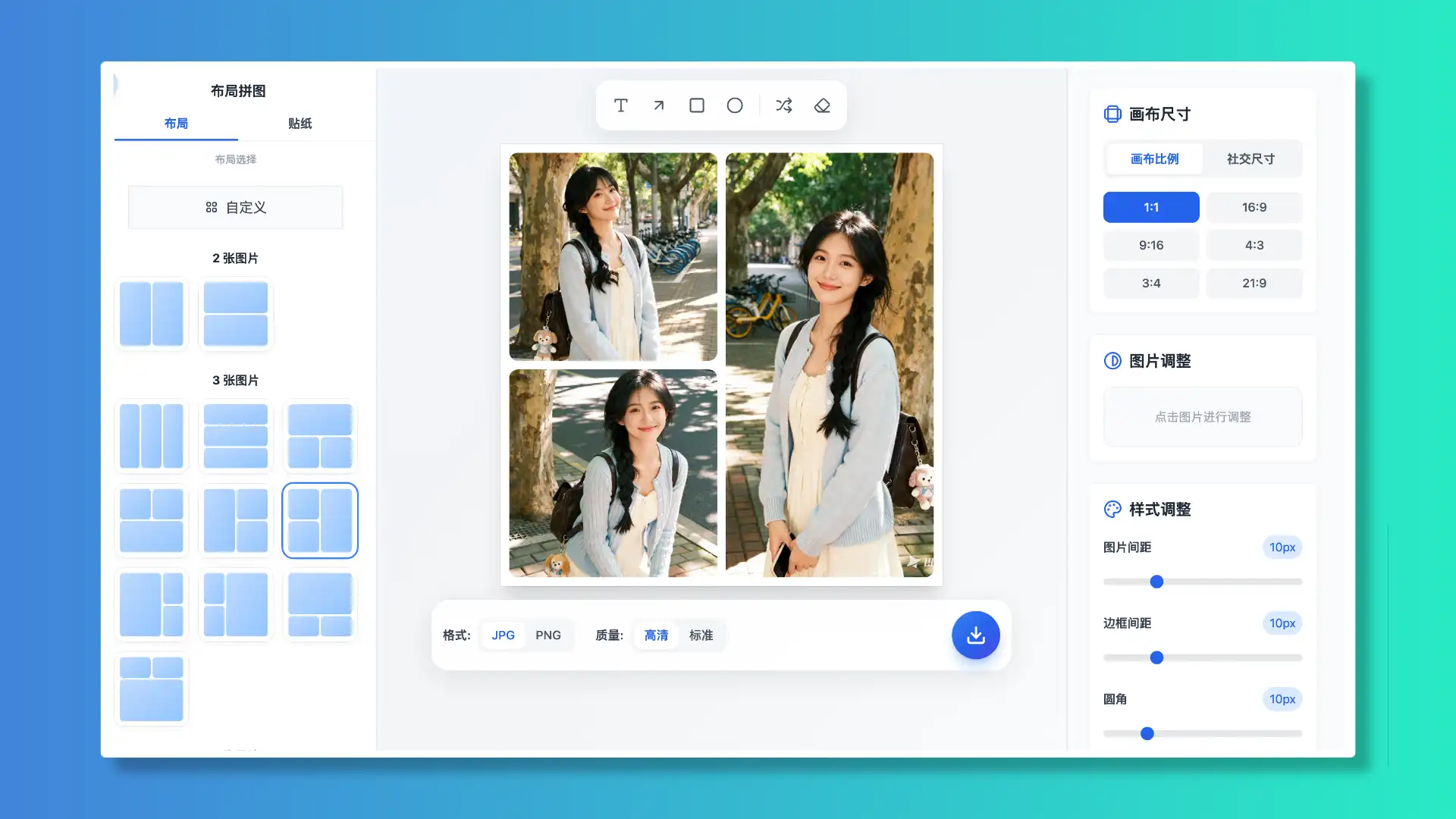
When using WoollyPix tools (such as Woolly Collage, Long Stitch, or Screenshot Beautifier):
1. Need transparent backgrounds or crisp vector annotations?
* Export in PNG. It preserves drop shadows, rounded container corners, and fine line strokes without compression fuzziness.
2. Publishing multi-photo sets to social networks?
* Choose JPG (95% quality) or WebP. Exporting at native pixel dimensions ensures social algorithms won't re-compress your imagery into blurriness.
3. Engineering a high-performance web product?
* Use HTML5
Conclusion
Picking the optimal image format enhances user delight and lowers bandwidth costs. With local-first tools like WoollyPix, creators can manipulate, stitch, and export pristine graphics effortlessly while keeping their data completely secure.
This article was authored and verified by the WoollyPix Graphics & Frontend Engineering Team based on modern Web APIs and industry standards. All WoollyPix tools run 100% client-side with zero server storage.