The Art of Vertical Webtoon Slicing: Layout Rhythms, Seams, and Resolution Control
Introduction: The Vertical Scrolling Revolution in Digital Manga
In traditional print publishing, cartoonists choreographed narrative pacing through constrained physical page grids. With the global dominance of mobile devices, vertical-scrolling webtoons have revolutionized visual storytelling.
Across continuous digital strips spanning tens of thousands of pixels, how do comic creators segment monumental artwork into mobile-friendly chapters without jarring cutoffs or blurry compression? This comprehensive guide reveals the professional workflow.
1. Webtoon Publishing Standards and Technical Limits
To prevent mobile memory crashes during rapid vertical flicking, leading webtoon publishers enforce strict technical bounds:
* Horizontal Width: Standardized at 800 pixels (expanding to 1080px or 1280px on modern high-dpi portals).
* Maximum Slice Height: Capped at 1280 pixels per image segment (800px-1280px is the optimal sweet spot).
* File Weight Budget: Kept under 500KB-1MB per slice, predominantly using high-quality PNG or 90%+ JPG.
2. Avoiding Unwanted Cuts: Adaptive Slicing Techniques
Mechanical splitting at fixed intervals (e.g., exactly every 1000 pixels) frequently creates disastrous breaks: cutting a character's eye, severing speech bubbles, or bisecting key focal action lines.
#### Professional Slicing Principles:
1. Cut Inside Negative Space:
* Place horizontal seams within solid background transitions, open skies, or black gutters between scenes. Even if a mobile viewer drops a subpixel border, the seam remains completely invisible.
2. Algorithmic Seam Detection:
* Load your extended strip into Smart Slice.
* Activate automated line detection. The client-side pixel scanning algorithm identifies horizontal scanlines with minimal color variance, proposing optimal cut boundaries automatically.
3. Interactive Visual Micro-Adjustments:
* Easily nudge individual red cut lines up or down to clear character hair or dialog bubbles.
3. The Full Creation Loop: Slicing and Merging
Creative workflows flow both ways: slicing continuous strips for reader uploads, and assembling disconnected drafts back into continuous rolls.
* Lossless Image Stitching:
With Long Stitch, import dozens of sequential panels. Standardize widths, refine margins, and reorder storyboard drafts with interactive drag-and-drop handles.
* Instant Client-Side ZIP Packaging:
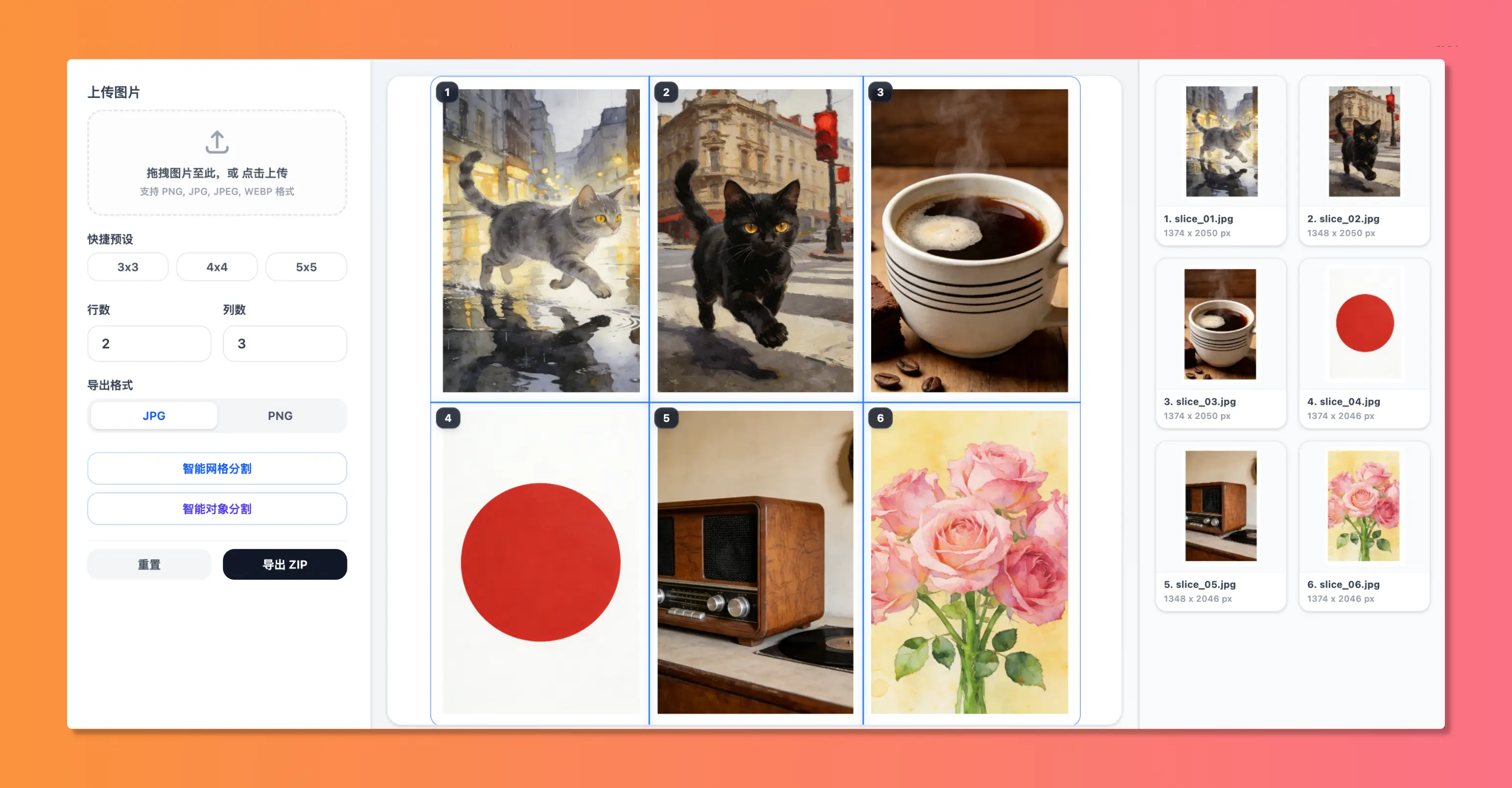
Extract sequentially numbered assets (slice_01.png, slice_02.png) zipped purely inside your browser memory—no third-party compression artifacts, and 100% private.
Summary
Streamlined slicing and stitching skills free artists to focus on compelling narratives. With privacy-first web utilities like WoollyPix, managing complex digital comic assets is smooth, precise, and enjoyable.
This article was authored and verified by the WoollyPix Graphics & Frontend Engineering Team based on modern Web APIs and industry standards. All WoollyPix tools run 100% client-side with zero server storage.