Utility tool
Smart Slice
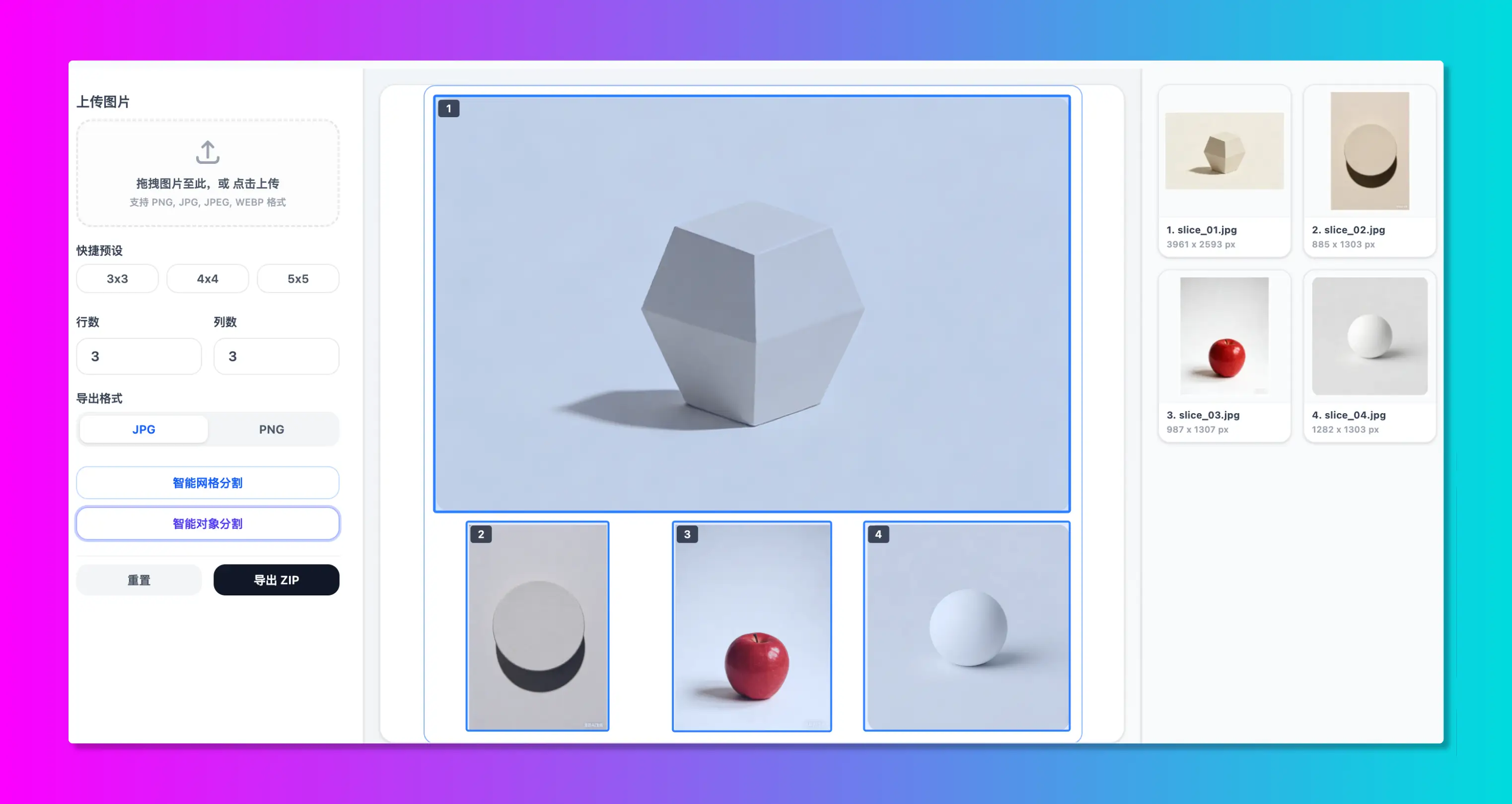
Slice images equally by grid (e.g. 9-grids) or split custom layouts precisely with adaptive guides. Employs local OpenCV.js computer vision to auto-detect edges of multiple stickers or items and export high-res ZIP packages.
 100% Local Image Tool
A privacy-first online image editor and creator. Tailored for social media graphic layouts, supporting powerful multi-photo collage makers and smart grid dividers (nine-grid, AI object slicing). All tools run fully inside your local browser.
 Collage Tool
 Slice Tool
All tools run 100% locally in your browser. Zero server uploads, absolute privacy.
Slice images equally by grid (e.g. 9-grids) or split custom layouts precisely with adaptive guides. Employs local OpenCV.js computer vision to auto-detect edges of multiple stickers or items and export high-res ZIP packages.
Multi-photo creative collage editor. Built-in layout templates, custom margin & spacing, canvas ratio presets for all social feeds, filter parameters, shape masks, stickers, copyrights watermarks, and lossless HD exports.
Seamless image stitching utility. Supports vertical and horizontal image combination, equal width/height scaling, and padded original layout. Customize borders, spacing, gradients, and reorder images easily. 100% local HD export.
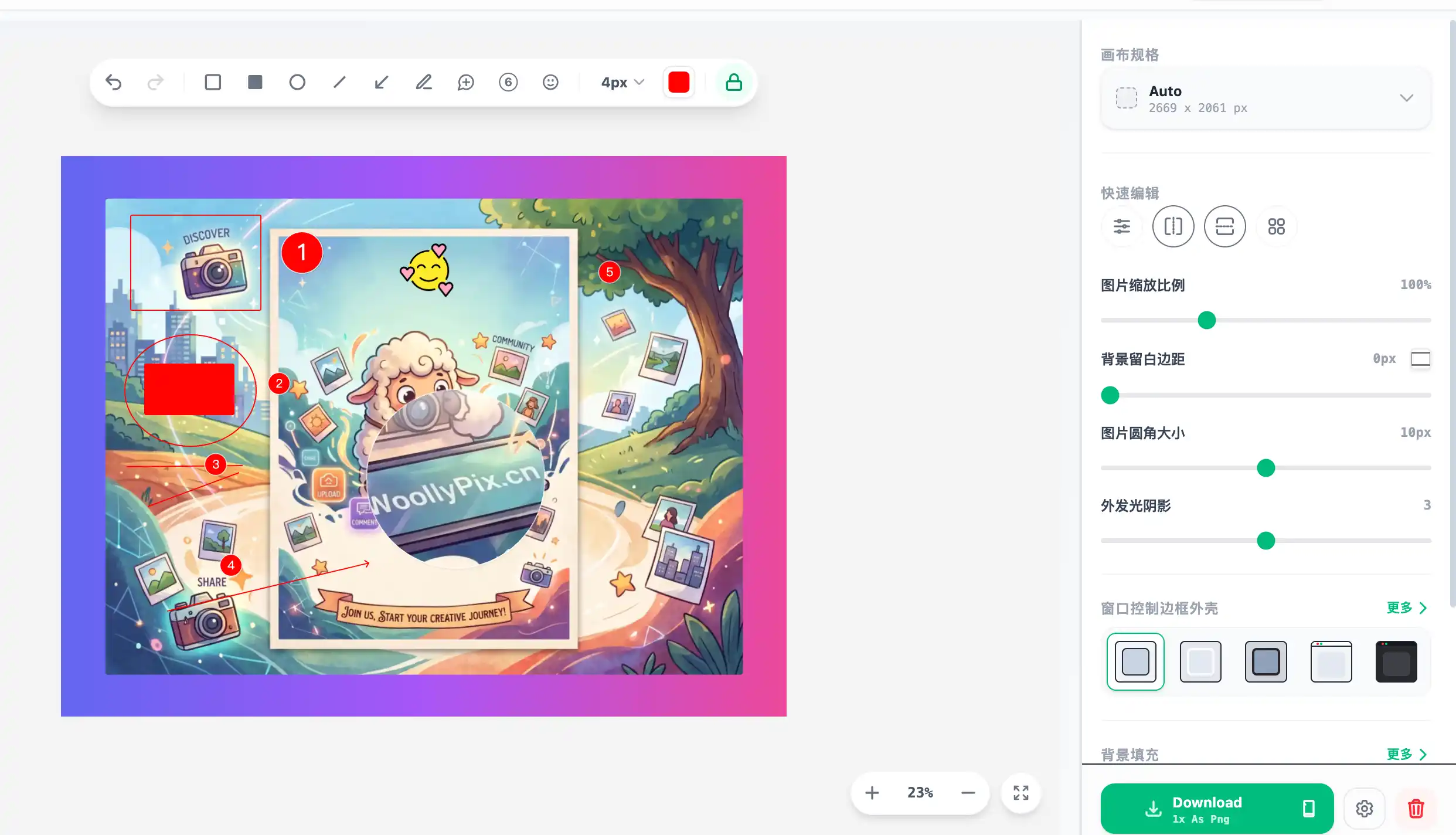
Premium screenshot wrapper & layout editor. Wrap screens in macOS/Windows window headers, browser frames, or physical MacBook/iPhone shell borders. Adjust gradient backgrounds, drop shadows, rounded corners, draw arrows/shapes, place step indexes, and export high-res locally (with clipboard copying).
Explore how to use WoollyPix features to make your photos and social media posts stand out.
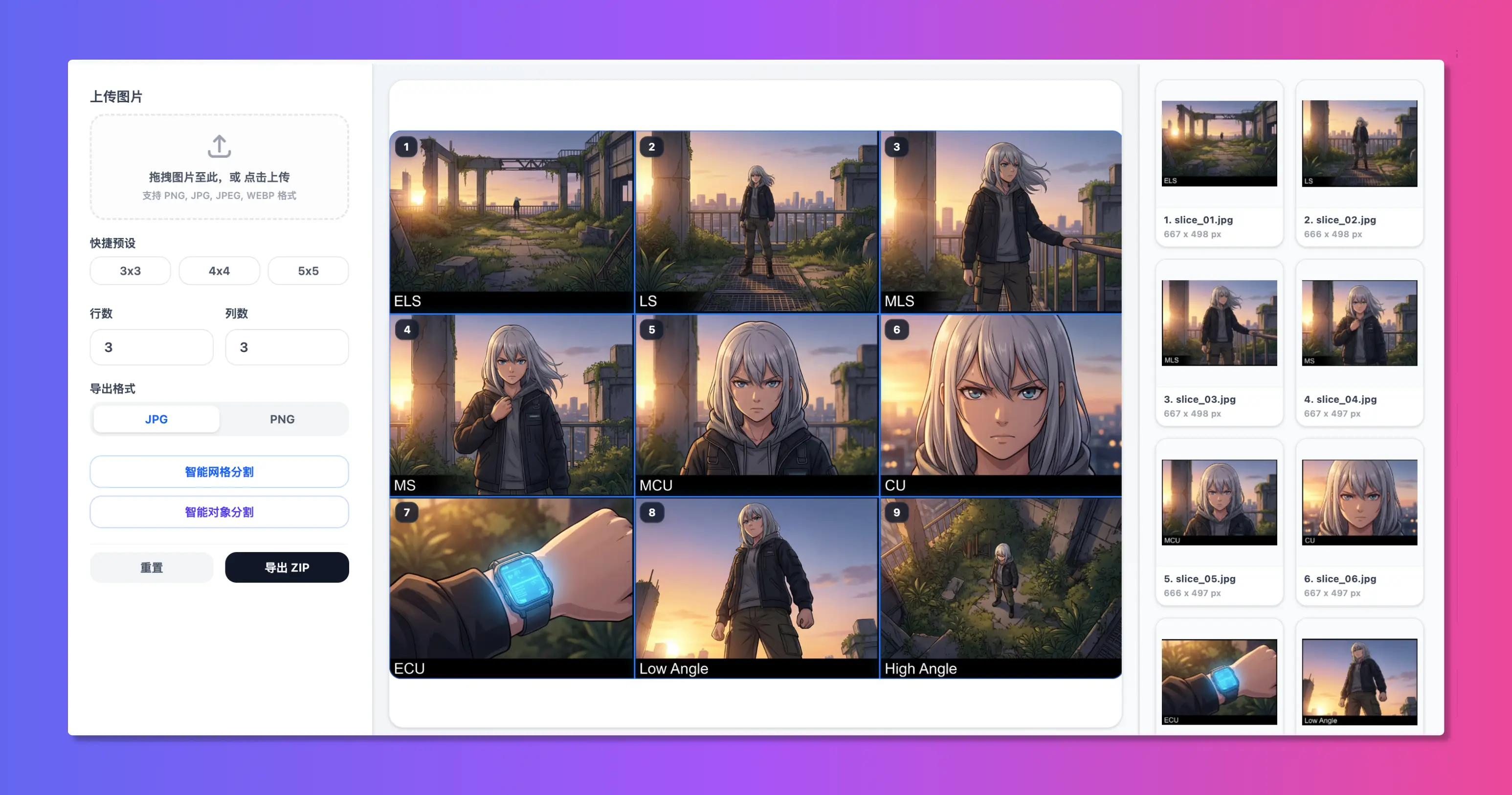
Slice any image into 3x3 or 2x2 grids instantly, optimized for Instagram, WeChat, or Xiaohongshu feeds.
Combine travel photos with custom margins, rounded borders, backgrounds, text badges, and text watermarks.
Uses local OpenCV.js computer vision to auto-detect edges of multiple stickers or items and crop them in batch.
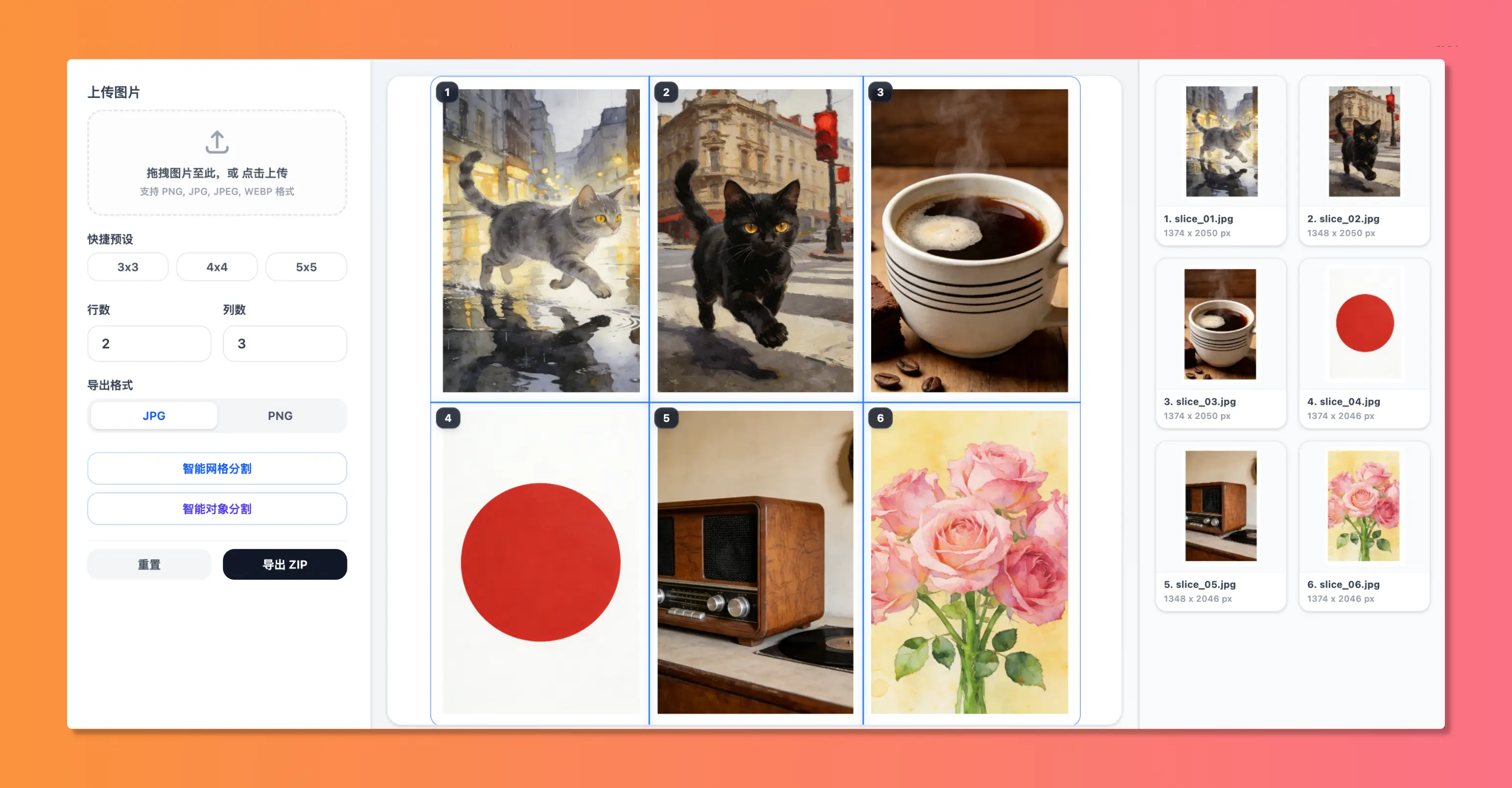
Manually adjust and drag vertical and horizontal grid lines to split long infographics, mangas, or comics.
A lightweight online image toolbox designed for efficiency and absolute privacy
Supports equal grid columns/rows, high-precision guide-line dragging, and OpenCV smart object extraction.
All calculations execute locally in your browser sandbox, eliminating server uploads and leakage risks.
Zero registrations or login walls. Start editing instantly with a clean, distraction-free environment.
Optimized for desktop operations and adapted perfectly for mobile browsers, iPads, and WeChat WebViews.
Common questions about using WoollyPix, privacy safety, and details
Yes. All image collage, cropping, and slicing utilities provided are 100% free of charge, with no forced watermarks or image resolution limits.
Extremely safe. We prioritize your privacy. All processing runs locally inside your browser—no files are uploaded to our servers, and the tools work fully offline.
No. To offer a pure utility experience, we require no accounts or registrations. Simply open the website and start editing immediately.
Smart Slice supports custom column/row grids (ideal for nine-grid grids) and embeds OpenCV.js AI algorithms to detect individual shapes or products within a photo for separate cropping.
Since all configuration stays local, custom templates are stored securely in your browser's Local Storage. Clearing your browser cache or switching devices will remove this cached template data.
Professional tutorials for social media layouts, image collages, and privacy security
designVertical scrolling webtoons have transformed digital illustration. Discover production techniques for finding safe slice cutoffs, marketplace dimensions, and lossless client-side batch exports.
technologyWhen you click "Upload" on a free web utility, where does your sensitive data actually go? A comprehensive security analysis of server-side data retention vs. zero-upload browser sandboxes.
 technology
Clear visual callouts double communication speed across technical writeups and product launches. Explore SVG vector node graphs, adaptive device mockup physics, and realistic drop-shadow rendering.