
User Guide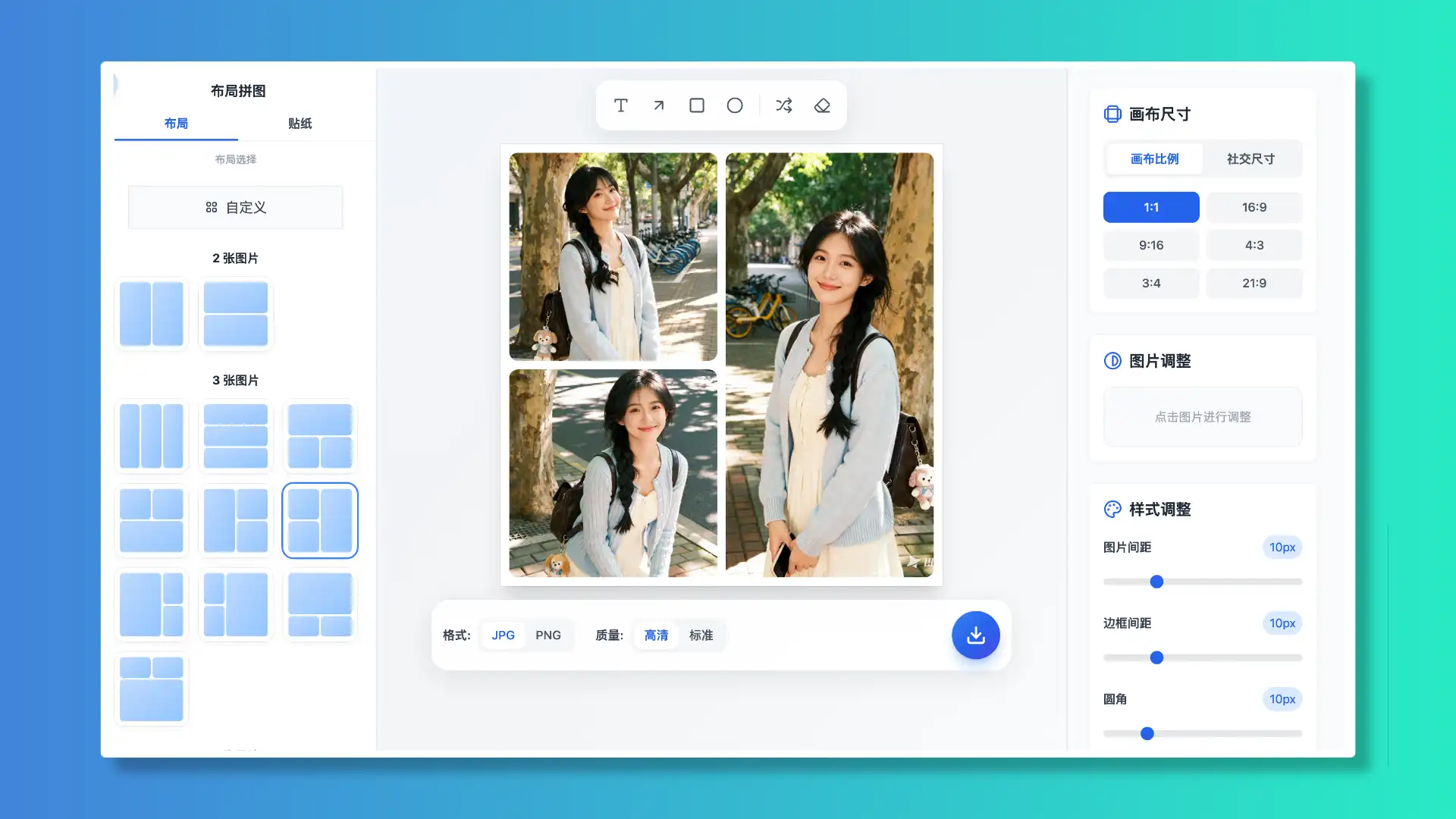
Woolly Collage: Free, Private & Secure Online Photo Layouts
A pure, free online photo collage tool. No signup required. Open and go. Leave without burden.
Features
Explore templates, adjustments, masks and stickers for layouts
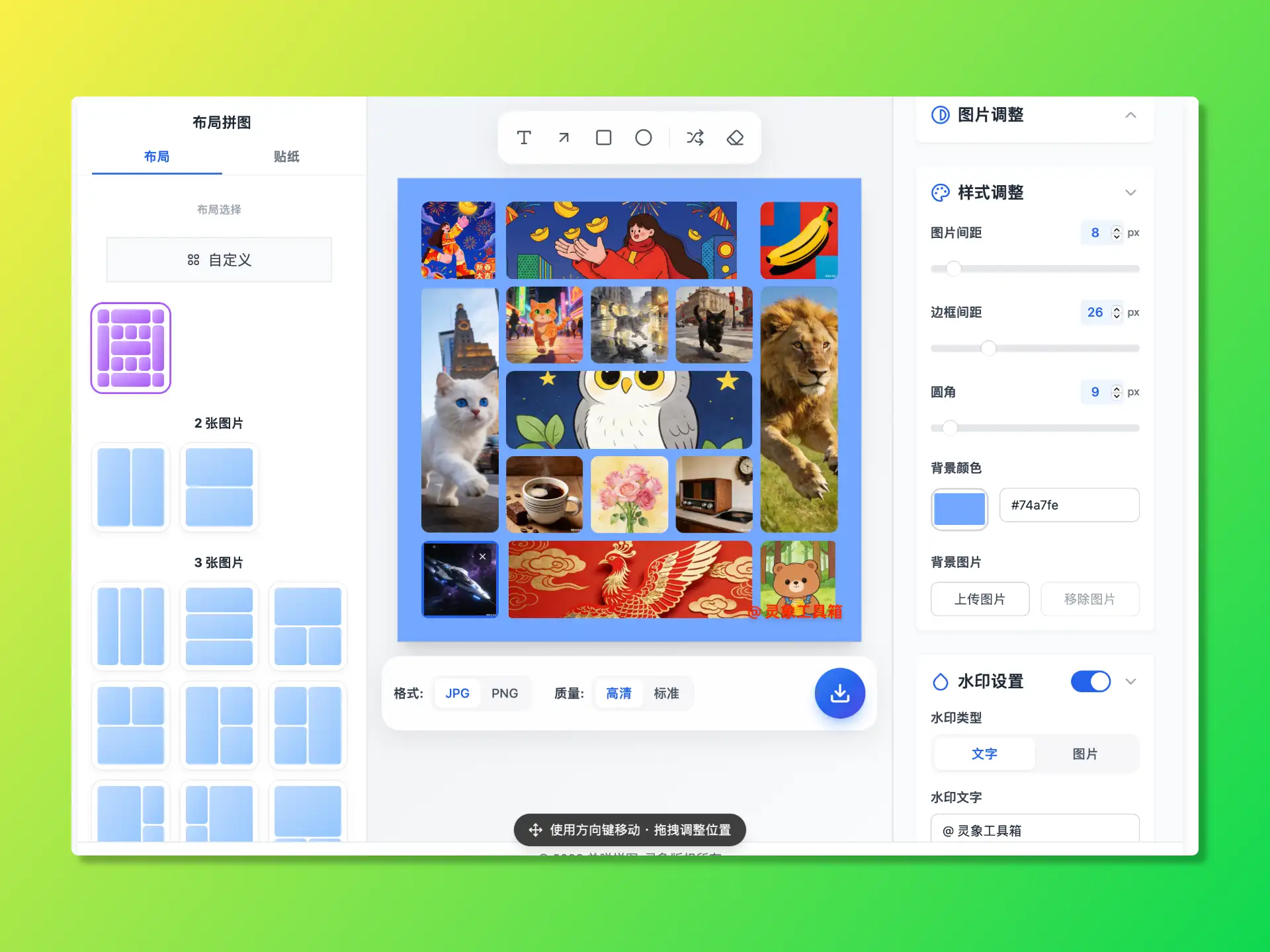
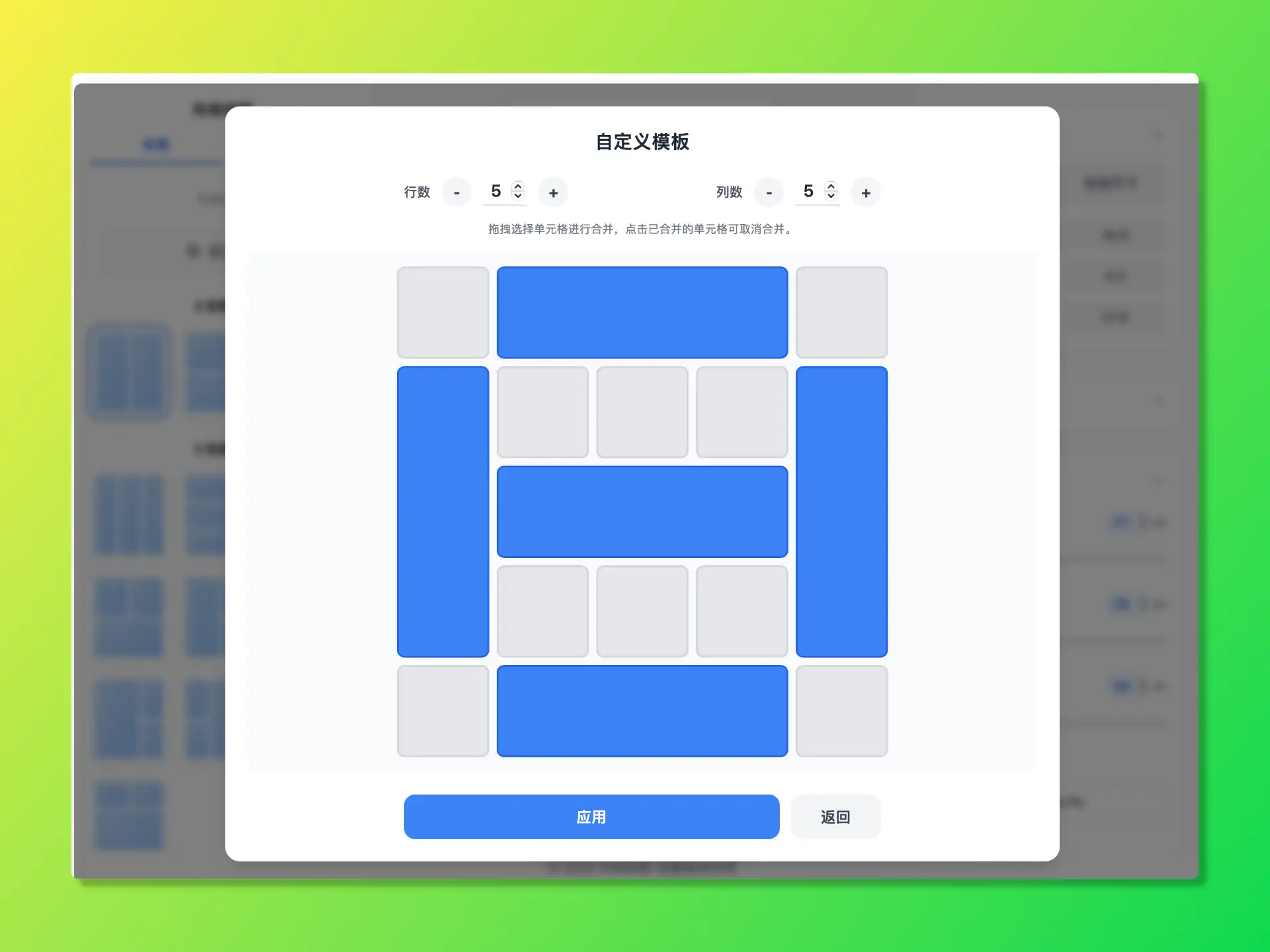
01 Layout inspiration: from templates to custom
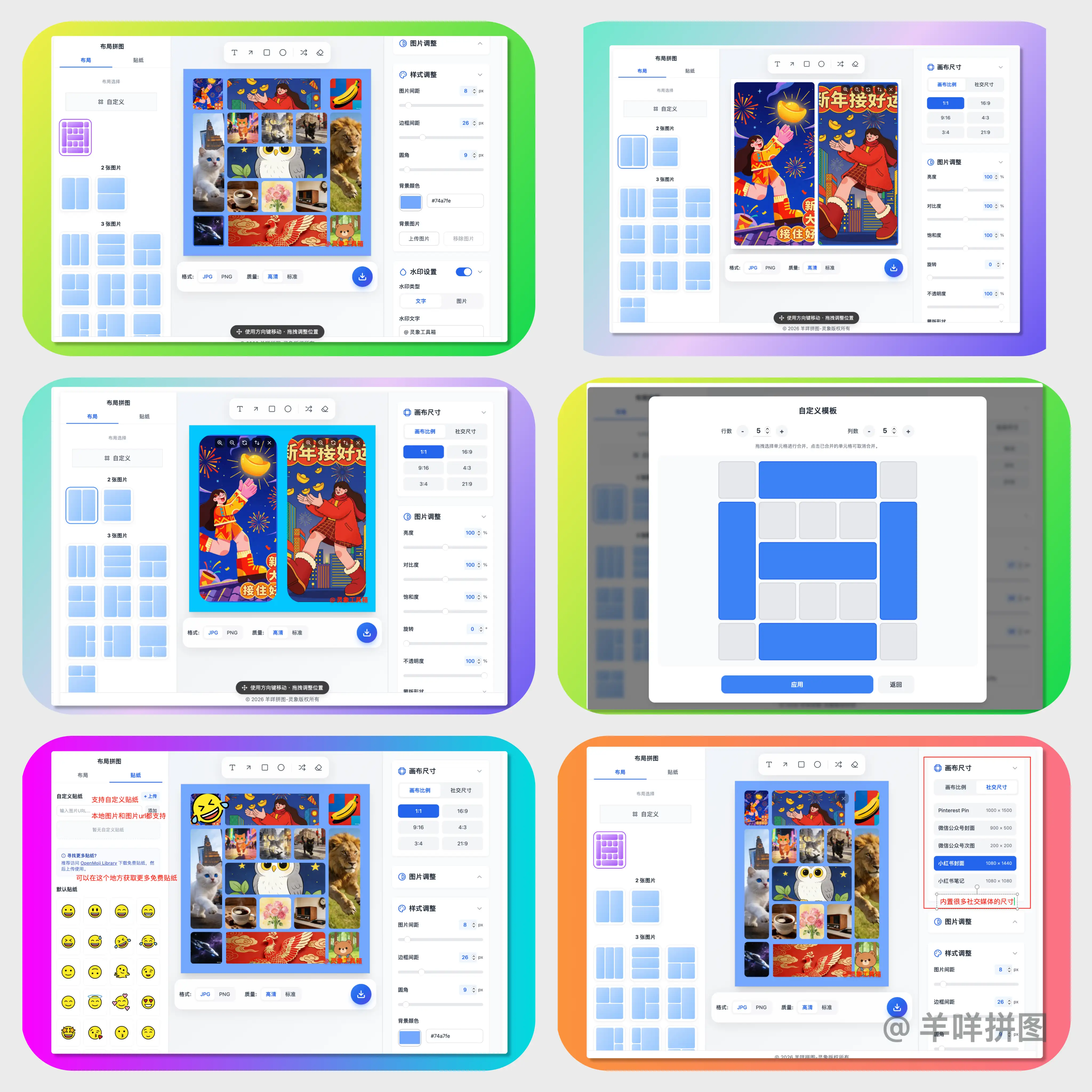
Built-in templates for 2–9 photos. One click turns scattered photos into a designed collage.
• Custom layouts: create your own template with simple drag-and-drop.
• Local cache: custom templates are stored locally in your browser (encrypted) for easy reuse.
02 Basic image editing
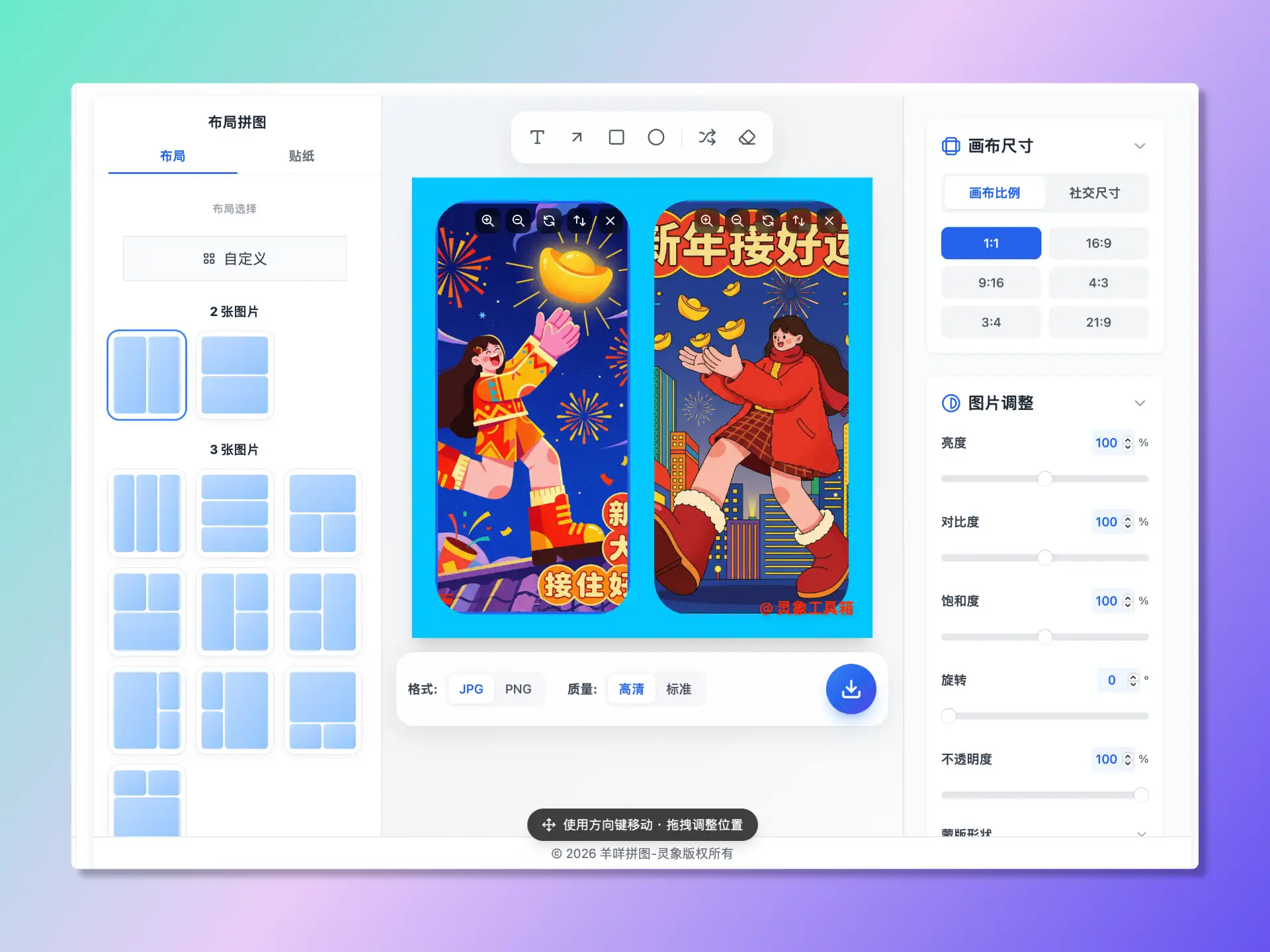
Complete basic editing so you can fine-tune in the browser:
• Fine controls: adjust brightness, contrast, saturation, opacity, and rotation in real time.
• Layout control: adjust canvas size, spacing, padding, and corner radius precisely.
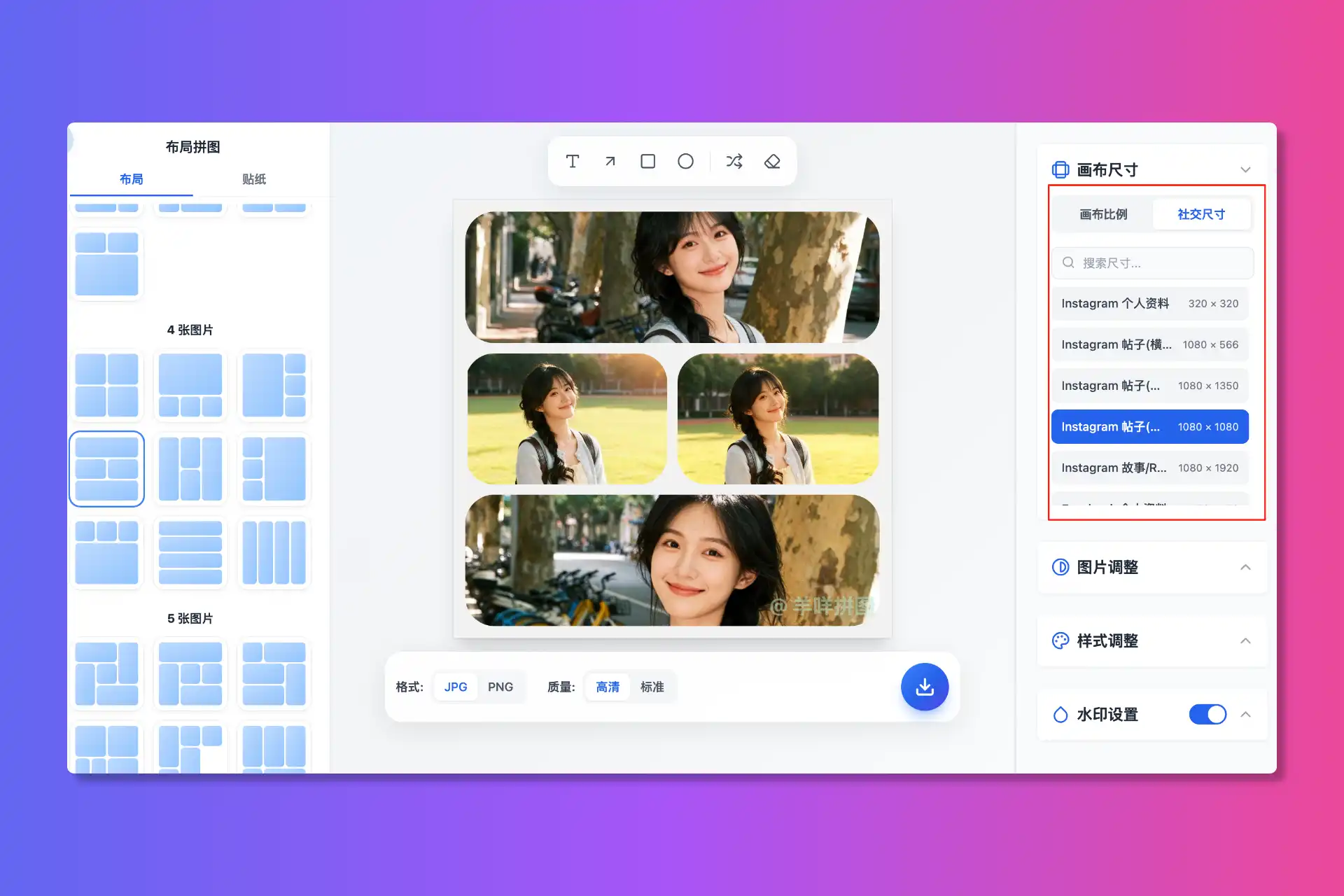
03 Visual fit: canvas sizes for every platform
No need to look up platform size requirements. Woolly includes common ratios (1:1, 16:9, 9:16) and presets for major platforms such as Instagram, Facebook, X (Twitter), YouTube, WeChat Official Accounts, Xiaohongshu, Bilibili, Douyin, and more.

04 Advanced creativity: masks & stickers
Go beyond standard grids with more creative tools:
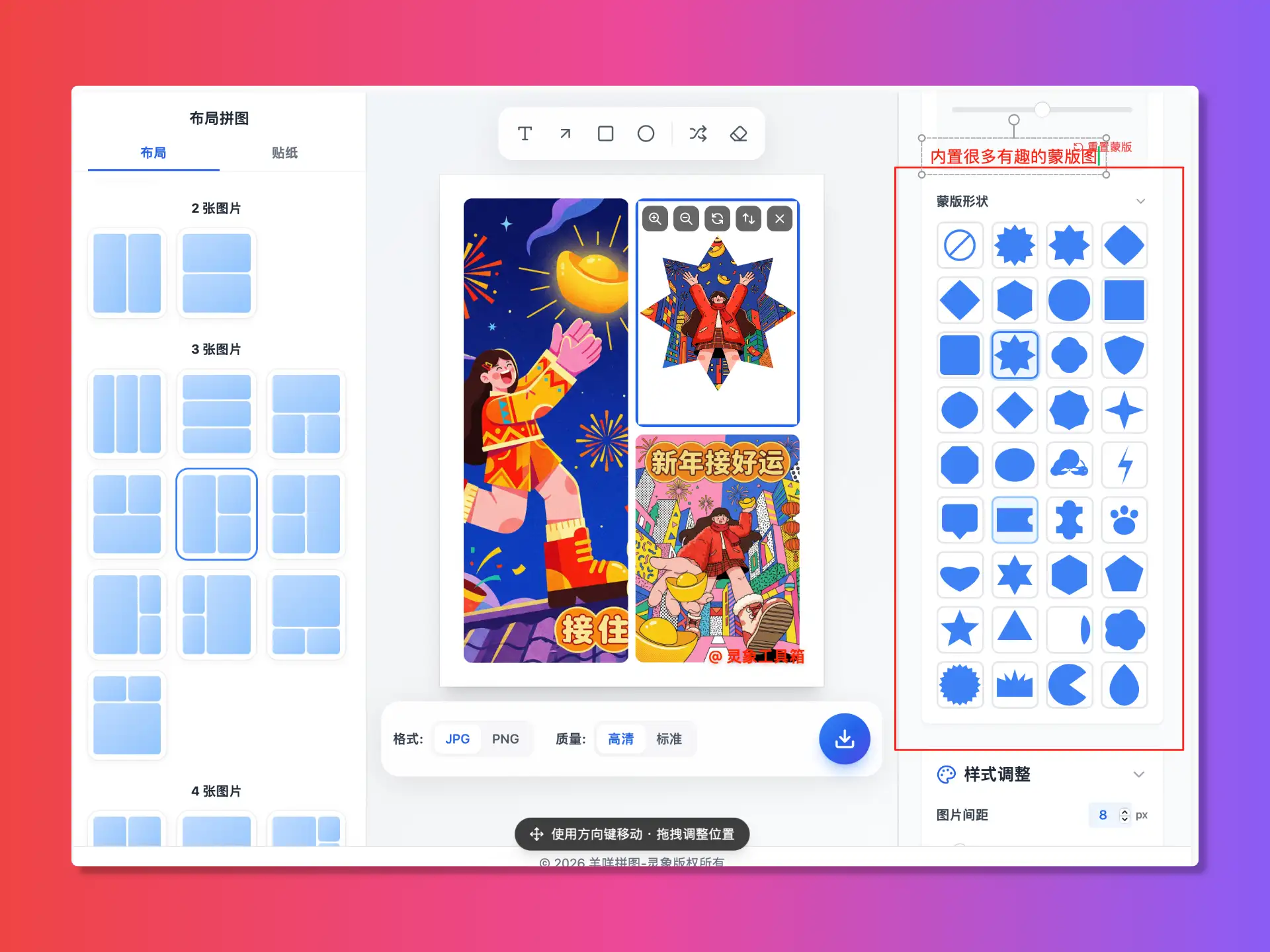
• Shape masks: dozens of built-in masks for lively silhouettes.
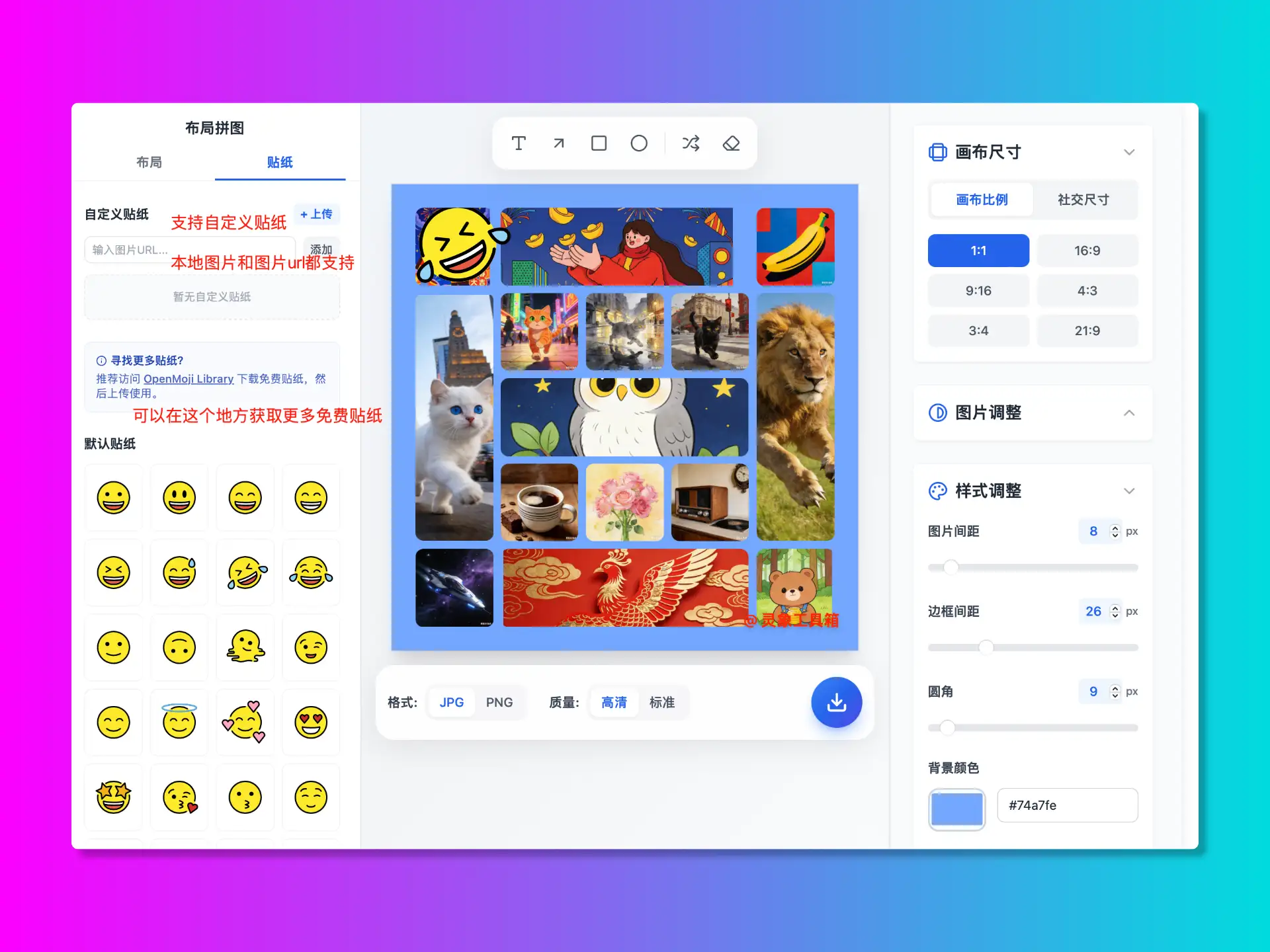
• Stickers: rich built-in stickers and support for uploading custom stickers. Includes a recommended free sticker site.
05 Free backgrounds & safe watermark
• Backgrounds: solid colors or custom image backgrounds.
• Copyright: basic watermark support to add your personal mark when sharing.
FAQ
Frequently asked questions about Collage features and security
QIs Woolly Collage free?
Yes—completely free. All features (including advanced templates and stickers) are available at no cost, and exports do not force a watermark.
QDo I need an account?
No. Open the website and start creating. We don’t require signup or login; data stays in your local browser storage to protect your privacy.
QAre my photos safe?
Very safe. All processing happens locally in your browser—photos are not uploaded to any server.
QHow are my custom templates saved?
Custom templates are automatically saved to your browser local storage. Next time you visit, you can find them under “Custom templates”.