How to Crop and Slice Images for Red, WeChat, and Instagram: A Social Media Visual Guide
Why Social Media Layouts Matter
In today's "visual first" era, social media platforms like Xiaohongshu, WeChat, and Instagram are primary battlegrounds for personal expression and brand marketing. The average user scrolls past a piece of content in just 1.5 seconds. How do you capture their attention? The answer is simple: exceptional image layouts and grid slicing.
Perfect nine-grid cuts, precise sizing, and platform-compliant cropping can instantly transform standard photos into a magazine-like layout, increasing click-through rates (CTR) by over 40%.
Guide to Sizing Across Key Platforms
Different social media platforms have distinct specifications and preferences. Uploading without proper optimization often results in automatic cropping or blurry compression:
1. Red (Xiaohongshu)
- Recommended Ratio: 3:4 (vertical) or 1:1 (square)
- Recommended Dimensions: 1242 × 1660 pixels
- Layout Pro-Tip: A vertical 3:4 cover image occupies the maximum layout area in feeds, leading to higher clicks.
2. WeChat Moments
- Single Image: Dynamic sizing, but 1:1 or 16:9 is recommended.
- Nine-Grid Slicing: Perfect 1:1 square crops aligned in grids of 3, 4, 6, or 9.
- Layout Pro-Tip: Use "seamless grids" where one large panorama is sliced into 9 squares. Assembled, they create a breathtaking full-view image.
3. Instagram
- Feed Ratio: 1:1 (Square, 1080x1080px) or 4:5 (Vertical portrait, 1080x1350px)
- Stories Ratio: 9:16 (1080x1920px)
- Layout Pro-Tip: Post vertical 4:5 images to cover the maximum viewport on smartphones, encouraging longer scroll delays.
Creating Seamless Grids with WoollyPix Smart Slice
Manually cropping images is tedious and prone to misalignment. The WoollyPix Smart Slice tool offers Grid Slice and Object Detection to create a perfect nine-grid split in seconds:
1. Upload: Go to Smart Slice and drag-and-drop your high-res image into the canvas.
2. Configure Grid:
- In the settings panel, set the number of columns and rows to 3.
- Red gridlines will overlay the image. Drag the gridlines to manually adjust if needed, or select from built-in quick presets.
3. Export: Click "Export ZIP". Slices are processed in your browser instantly and saved to a ZIP file. Extract and post!
3 Tips to Elevate Your Feed Layouts
- Negative Space: Don't crowd every square with complex details. Keep 1 or 2 squares empty with a solid background color and minimal typography for a cleaner, high-fashion layout.
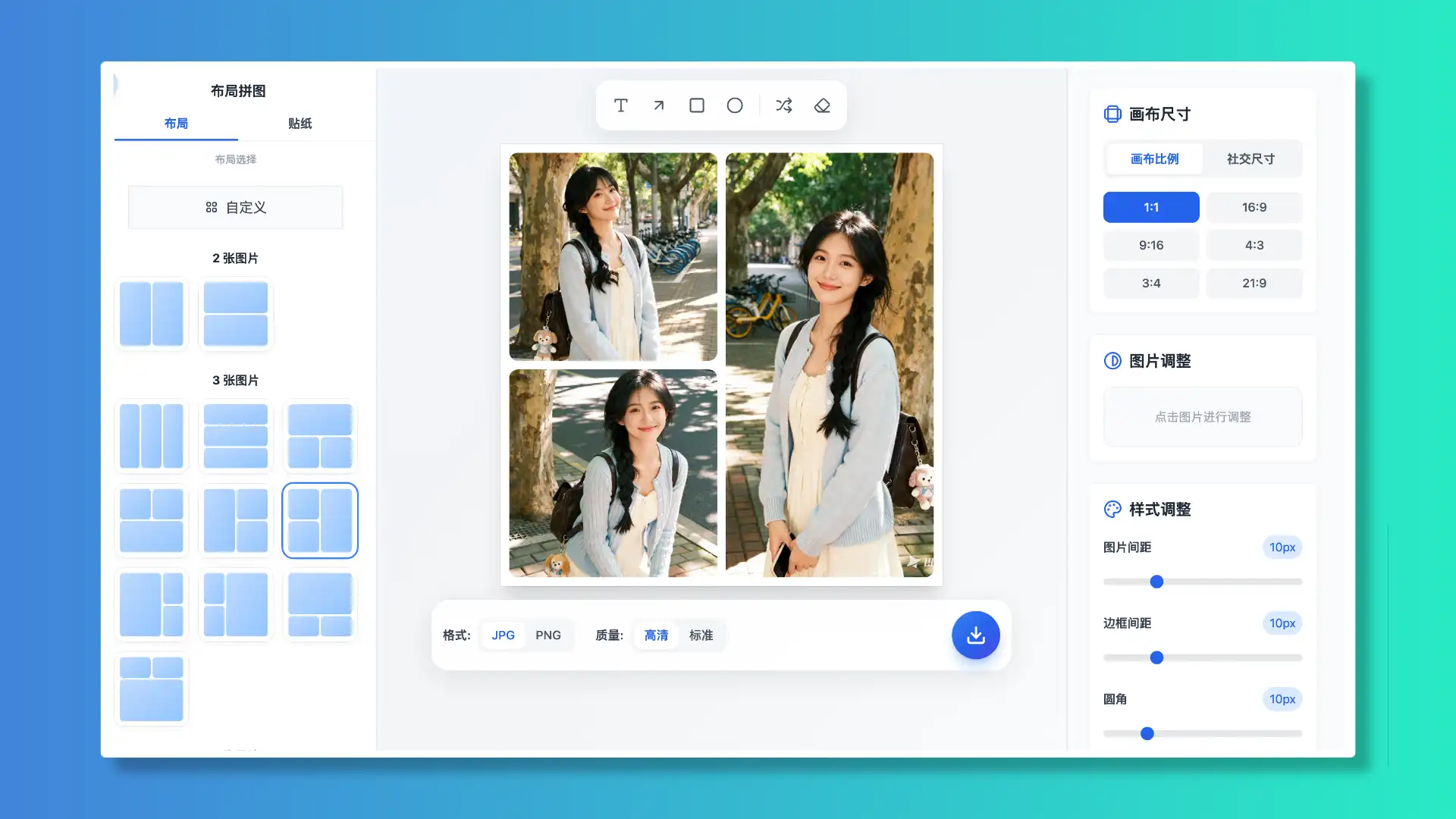
- Color Consistency: Ensure your image grids share matching color tones. Use the Woolly Collage editor to unify filters first, then slice them.
- High-Converting Covers: For multi-image posts, the cover image must stand out. Add rounded shape masks or premium stickers to make it pop out of the feed.
Summary
Elegant image layouts and slicing are highly effective ways to boost click-throughs. Using WoollyPix's free, client-side Smart Slice and Woolly Collage, you can design stunning posts while protecting your privacy.
This article was authored and verified by the WoollyPix Graphics & Frontend Engineering Team based on modern Web APIs and industry standards. All WoollyPix tools run 100% client-side with zero server storage.