
eCommerce Product Visual Optimization: Cropping, Grid Slicing, and Conversion Strategies
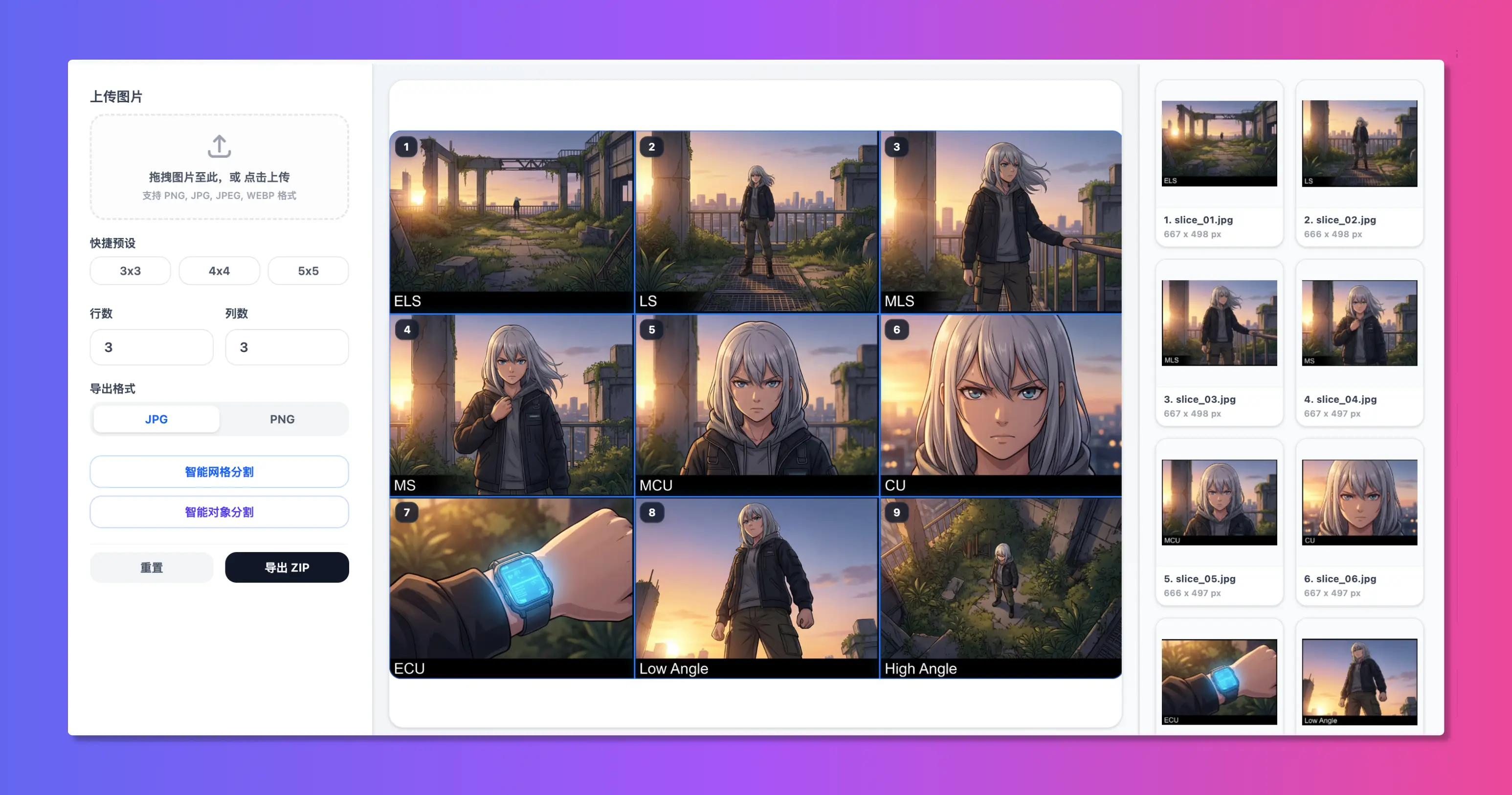
Introduction: Visual Experience as the Ultimate eCommerce Lever
In online commerce, customers cannot physically touch or inspect goods; product imagery is the product itself. Benchmark studies demonstrate that clear, structured image galleries boost add-to-cart conversion rates by over 35%.
Yet marketplace standards vary dramatically across channels like Amazon, Shopify, and social storefronts. How can sellers transform raw studio photographs into high-converting product showcases? This practical guide breaks down the essential workflow.
1. Marketplace Specifications at a Glance
1. Amazon & Global Marketplaces
* Dimensions: 1:1 square, ideally 1600 × 1600 pixels or larger to unlock hover-zoom magnification.
* Hero Background: Strictly pure white (RGB 255, 255, 255) for the primary listing photo.
* Secondary Assets: Lifestyle environments, scale benchmarks, and multi-angle feature callouts.
2. Shopify & Direct-to-Consumer (DTC) Brands
* Aesthetic Unity: Enforce uniform aspect ratios (1:1 or 3:4 portrait) across your catalog.
* Speed Budget: Compress files below 200KB to minimize mobile bounce rates without visible fidelity loss.
3. Social Commerce Feeds
* Dimensions: 3:4 portrait (1242 × 1660 pixels).
* Visual Tone: Atmospheric, authentic lifestyle backgrounds decorated with minimalist arrow annotations and highlight badges.
2. Multi-Angle Detail Extraction Workflow
High-resolution camera shots often capture whole garments or hardware with intricate details that get lost when scaled down.
#### Three-Step Production Flow:
1. Object-Aware Cropping:
* Import your studio image into Smart Slice.
* Activate "AI Object Slicing" to isolate distinct hardware switches, textures, or connectors automatically into separate clean crops.
2. Dynamic Collage Storytelling:
* Open Woolly Collage and load a modern 3-slot template.
* Place the full silhouette on the left, flanked by two macro detail shots on the right.
3. Brand Protection:
* Overlay subtle, translucent copyright watermarks in a single click before client-side export.
3. Three Common Product Photography Pitfalls
* Excessive Sharpening: Avoid artificial sharpening halos that introduce harsh pixelation along metallic or fabric edges.
* Negative Space Imbalance: The core product should occupy 75% to 85% of the canvas frame for optimal balance.
* Mismatched White Balance: Inconsistent color temperatures across carousel images degrade customer trust.
Summary
Creating polished, high-converting eCommerce assets doesn't demand bloated software subscriptions. With fast, client-side tools like WoollyPix, merchants can slice, frame, and export pristine product graphics in seconds.
This article was authored and verified by the WoollyPix Graphics & Frontend Engineering Team based on modern Web APIs and industry standards. All WoollyPix tools run 100% client-side with zero server storage.